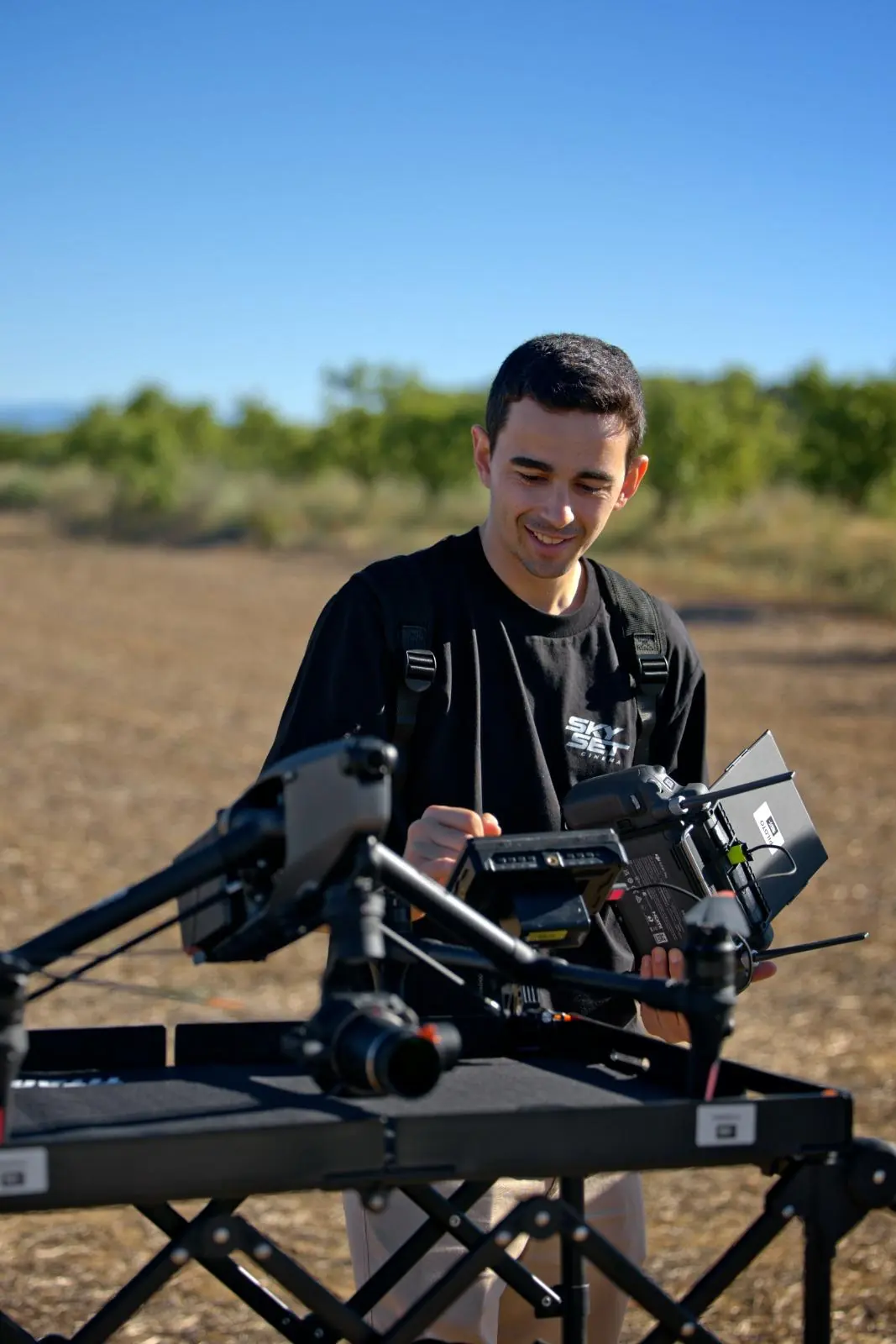
Clients ask us this a lot: "if I'm delivering the spot in 4K, why are you shooting in 8K?" There are several reasons, and they all come down to one thing: the moment of shooting is the only moment when you can't add pixels that weren't there.
This note explains why our default setup is 8K ProRes RAW, even when the final client delivers in 4K, in HD or even in vertical format for social media.
"Shooting in 8K when you deliver in 4K isn't showing off. It's giving post-production the margin it needs to solve what couldn't be nailed on set."
Reason 1: the reframe
A shot recorded in 8K can be cropped by up to 50% while keeping 4K quality. That's two possible framings of the same shot: the original and the zoom. In practice, this solves:
- Square (1:1) or vertical (9:16) versions for social media without losing quality
- The client's or editor's "could we push in a bit more" in post
- Small framing corrections when the wind or the timing of the shot weren't perfect
- Subtle digital push-ins that add movement without having to reshoot
Any of these four things, on footage recorded natively in 4K, forces you to upscale synthetically or give up on the shot. In 8K, they're done without a second thought.
Reason 2: RAW isn't optional if you want to grade well
RAW isn't "better than ProRes" in absolute terms. It's different information. An H.265 or even a ProRes 422 already has the debayer, white balance and tone curve applied. RAW keeps the sensor data without those decisions made. That means:
- White balance is decided in post, not on set. If the sun changes between takes, it doesn't matter
- Highlights can be genuinely recovered. In H.265, what's blown is blown
- The colour space is wider, which shows when the footage is going to be delivered in HDR or Rec.2020
What comes off the Inspire 3 on a typical day
| Resolution | 8192 × 4320 |
| Format | ProRes RAW HQ |
| Bit depth | 12-bit linear |
| Colour space | D-Gamut · D-Log (DJI) |
| Footage per minute | ~5 GB |
| Footage per day | 800 GB – 1.2 TB |
Reason 3: the master survives the next re-edit
A commercial delivered in 4K today may need re-editing in two years’ time in a different format, length or market. If the original master is 8K RAW, the post team has exactly the same original material to work with. If it’s 4K H.265, what they have is an already-cooked version.
The difference is especially noticeable with clients running long campaigns: a car brand doing three iterations of the same shot in three different years, a documentary series recycling shots in its later seasons, brand content reused year after year.
"RAW is selfish in the short term: it takes up more space, takes longer to process and needs faster drives. But three years down the line, it saves entire shoots."
What this means for production
Always working in 8K RAW has consequences, and it’s only fair to say so:
- You need more storage. We bring 4 to 6 TB of fast drives to set, plus a live dual-backup system managed by our DIT
- The editor needs a proxy workflow. Editing directly from 8K RAW calls for a serious machine; the usual approach is to transcode to proxies on set
- Download time at the end of the day is real (45–90 min per camera). We manage it during the last hour of light so it doesn’t affect the client
But in our view the equation is clear: these costs are paid once, in hours. The creative margin they buy is repaid with every re-edit and every post-production decision for the whole life of the material.