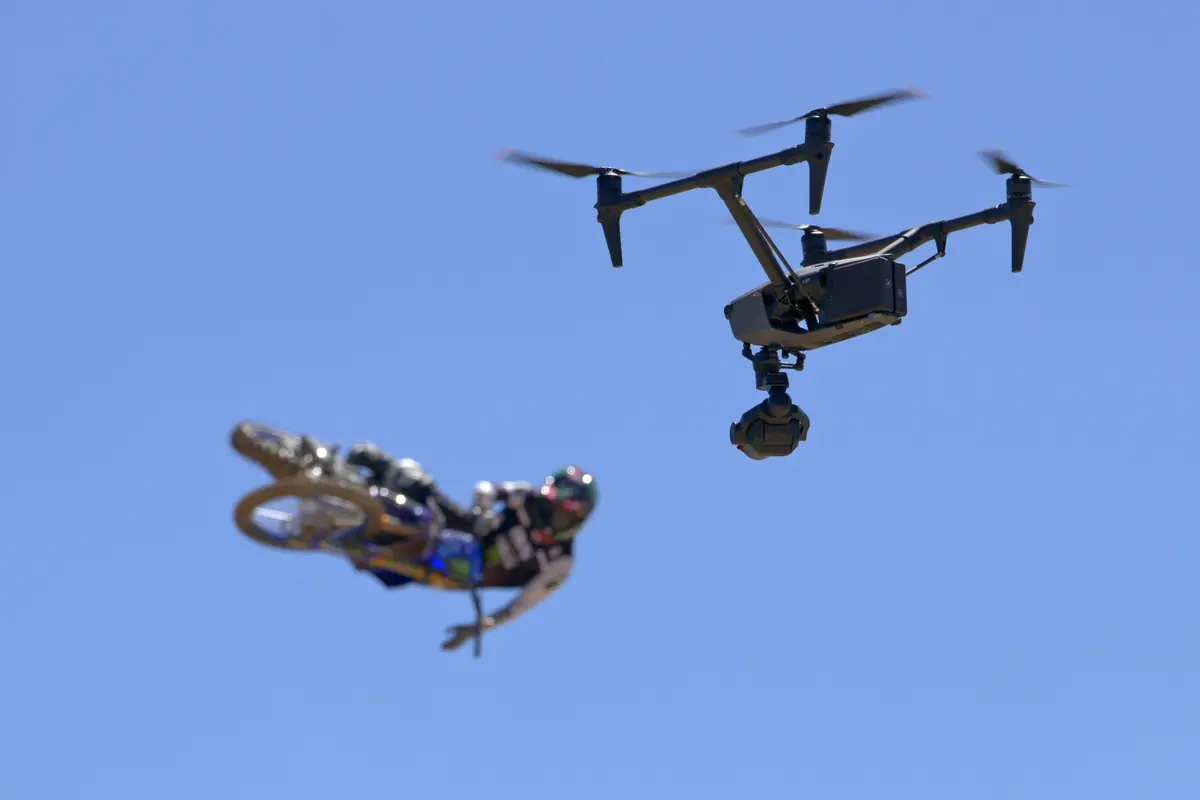
We get asked this more and more: "can you do it with FPV?". The short answer is "it depends on the shot". The long answer is what I set out here: when FPV is the right tool, and when what your production actually needs is the Inspire 3.
It isn’t a question of which is better. They’re different tools for different problems. Just as a Steadicam and a handheld gimbal aren’t in competition, FPV and Inspire occupy different spaces on a shoot.
"FPV solves impossible shots. The Inspire solves cinematic shots. Most of the time the problem is deciding which of the two you need."
When we choose FPV
FPV wins out in three very clear situations:
- When the shot calls for real speed: following a motorbike, a car, a skier or a cyclist at real speed over rough terrain. The Inspire can go fast too, but the FPV is inherently more agile at correcting its path on the fly
- When you need to get through tight spaces: passing between two trees, under a bridge, inside a building under construction. The FPV is built for that, the Inspire isn’t
- When the shot needs a subjective, handheld feel: manually flown FPV breathes differently. It has small human corrections that a stabilised drone doesn’t, and that comes through in the final shot
In all these cases, what you lose is endurance and margin: an FPV flies for 3 to 5 minutes per battery and needs repeat passes. In capture quality, our 6″ FPV units carry a RED Komodo 6K or Blackmagic 4K G2, so the material holds up in post; the 5″ FPV and the cinewhoop shoot in 4K and are the choice when agility matters most or the shot is for social media.
When we choose the Inspire 3
The Inspire is the default tool for almost everything else:
- Establishing shots, wide location shots, anything that calls for altitude and stability
- Smooth tracking shots at cinematic speeds (up to 60–80 km/h)
- Any shot being delivered for cinema, premium broadcast or brand commercials with a strong focus on image quality
- Jobs where post-production will involve reframing, slow motion or serious grading. The Inspire 3's RAW gives real headroom, the FPV's codec doesn't
Practical comparison
| Maximum FPV capture | 6K RAW R3D (RED Komodo) · 4K (Blackmagic, FPV 5″) |
| Inspire 3 capture | 8K ProRes RAW |
| FPV speed | Depends on the unit: the 5″ is the fastest, the cinelifter the most stable |
| Inspire cinematic speed | ~94 km/h |
| FPV flight time | 3–5 min per battery |
| Inspire 3 flight time | ~25 min per battery |
| Pilots needed | FPV: 1 (manual) · Inspire: 2 (dual) |
The most common mistake: asking for FPV "because it looks cool"
Many production companies come to us with FPV in mind because they've seen the latest viral reel doing the rounds. And sometimes it is the right tool. But in plenty of other cases, the shot they're picturing works better (and faster, and with fewer shooting days) with the Inspire.
The first thing we do when someone asks for an FPV shot is ask what they want to convey: speed? immersion? a seamless transition between two spaces? Depending on the answer, sometimes the FPV doesn't even need to come out of the case. A well-planned tracking shot with the Inspire tells the same story, with better quality and fewer takes.
"Before you bring out the FPV, make sure you're not using the drone to solve what's really a storyboard problem."
The middle ground: shoots where we bring both
On bigger projects — automotive commercials, brand content, action sports — we usually bring both systems on the day. The Inspire for establishing shots, long shots and most tracking shots. The FPV for the hero shot, the one that will open the commercial or close the sequence.
It's the combination that works best. The client gets their FPV shot (which they'll use for promo and social media) plus a set of Inspire shots that give the whole piece its cinematic structure.
If you're not sure which drone a shot needs, send us the shot list or a couple of references. We'll work it out in five minutes.